Connect to reliable VPN servers worldwide for streaming, gaming, and private browsing — no matter where you are.
Get VPN Super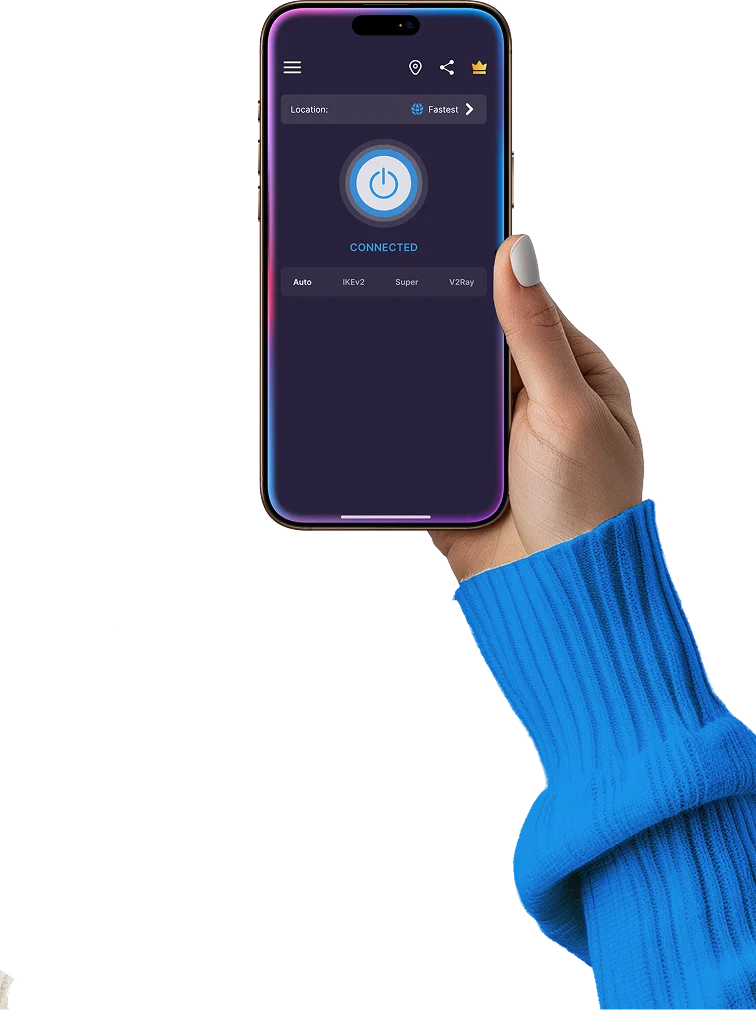
Choose from a wide network of high-speed, secure VPN servers across 100+ locations worldwide. Whether streaming, gaming, or browsing privately, there’s a server optimized for every need.
*Please note that we regularly update and optimize our servers. As a result, the server list in your apps may differ slightly from the 41 country pages shown above.
A VPN server is a secure gateway that routes your internet traffic through an encrypted connection, keeping your data private and your online activity anonymous. When you connect to a VPN server, your real IP address is hidden, and it appears as if you’re browsing from the server’s location.
Your device connects to a VPN server using a VPN protocol (IKEv2, OpenVPN, WireGuard, etc.).
All data sent and received is encrypted, preventing hackers, ISPs, or networks from seeing your activity.
The VPN server assigns you a new IP address making it appear as though you’re browsing from that region.
Your internet traffic then goes through the server, keeping your identity and activity private while bypassing restrictions.
Access geo-restricted content: Connect to servers in other countries to stream shows, access websites, or use apps unavailable locally.
Speed and performance: Servers closer to your real location usually provide faster speeds and lower latency for streaming, gaming, and browsing.
Bypass censorship and restrictions: Some networks or countries block websites or apps. Connecting to a VPN server in a less restricted region restores access.
Pro tip: Switching between VPN servers is fast and easy, letting you find the perfect balance of speed, access, and security depending on your online activity.
A VPN server address is the unique identifier used to connect your device to a specific VPN server. It can be an IP address (like 123.45.67.89) or a domain name (like us1.vpn-super.com). This address tells your VPN client exactly which server to connect to, ensuring your traffic is routed through that server for encryption, privacy, and access to geo-restricted content.
Secure connection: The server address ensures your device connects to a trusted, encrypted VPN server rather than an unsecure or malicious server.
Access content from specific regions: Connecting to a server in a specific country requires the correct server address to appear as if you’re browsing from that location.
Optimized performance: Some addresses point to servers optimized for streaming, gaming, or corporate networks, improving speed and reliability.
Pro tip: Most VPN apps automatically handle server addresses for you — all you need to do is pick a location or server from the list.
Choosing the right VPN server can make a big difference in speed, security, and access to content. Here’s a simple guide to finding the best server for your needs.

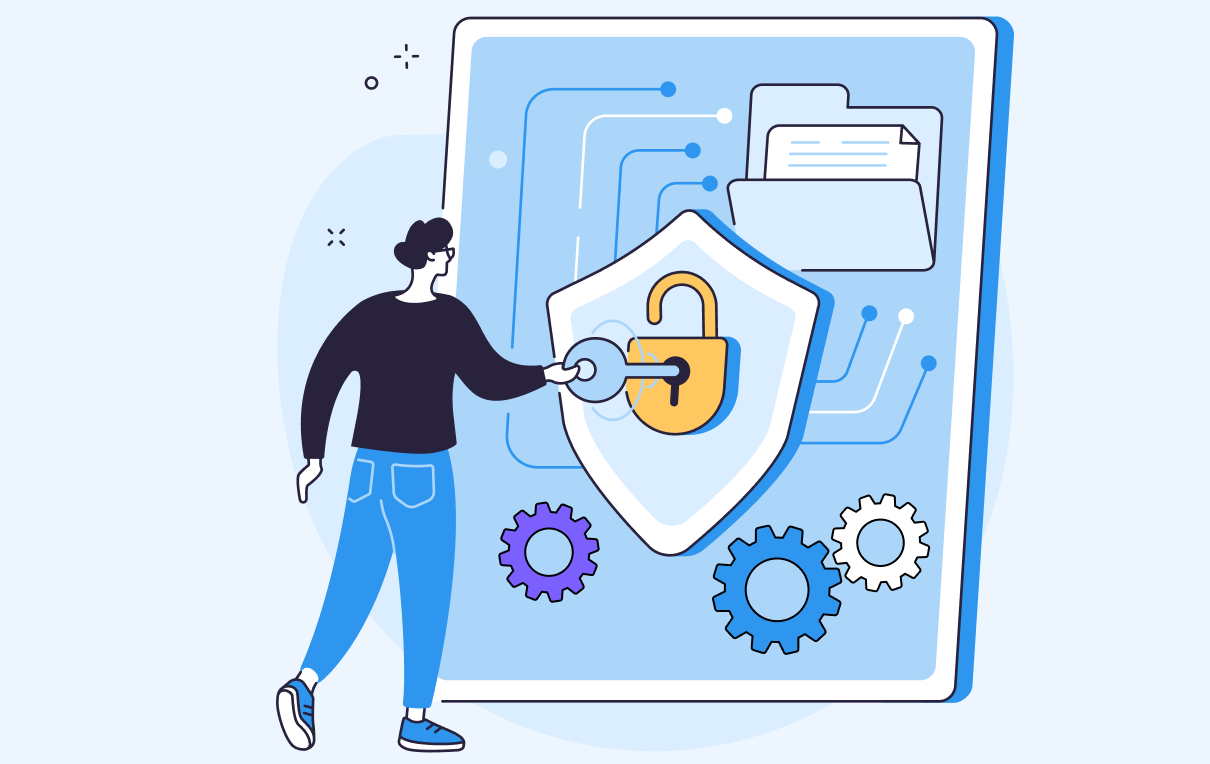
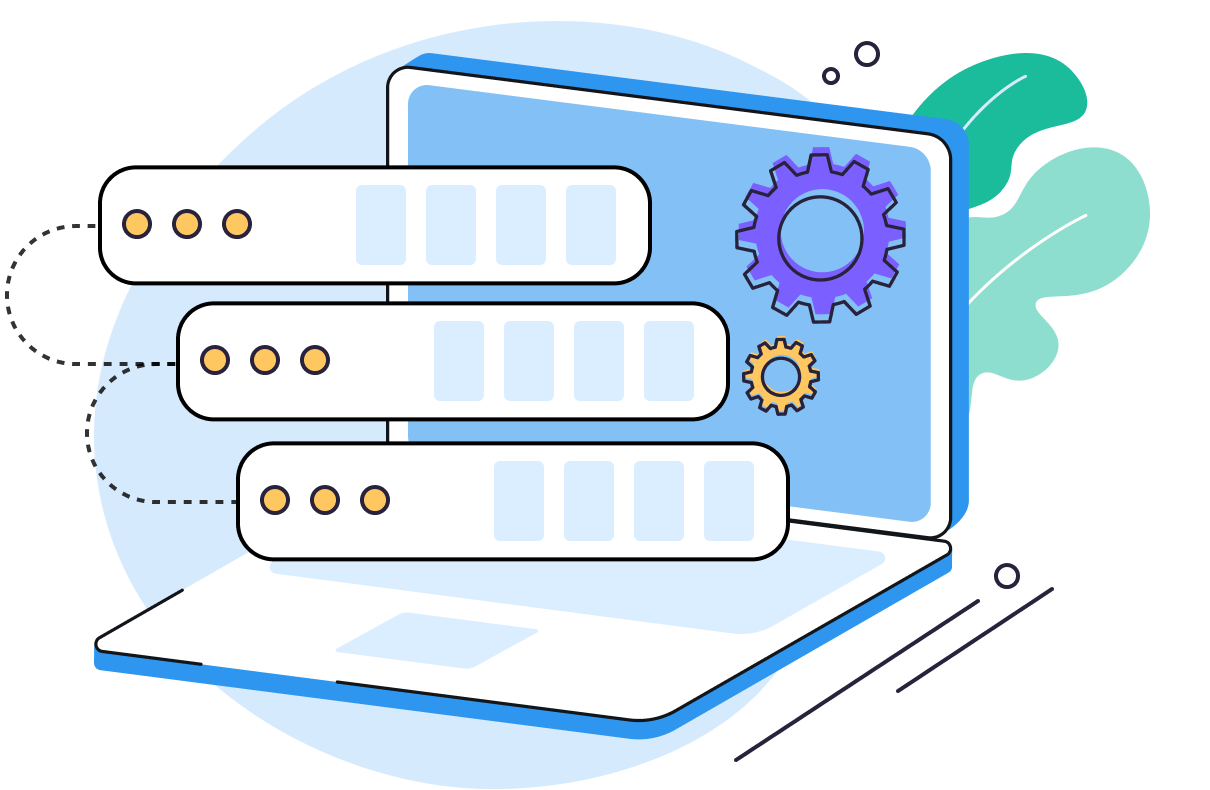
A VPN server is a secure gateway that encrypts your internet traffic and hides your real IP address. When connected, it routes your data through the server, keeping your online activity private and helping you access geo-restricted content.
A VPN server encrypts your connection and assigns a new IP address based on its location. This makes it appear as if you’re browsing from the server’s region, protects your data from hackers, and bypasses censorship or restrictions.
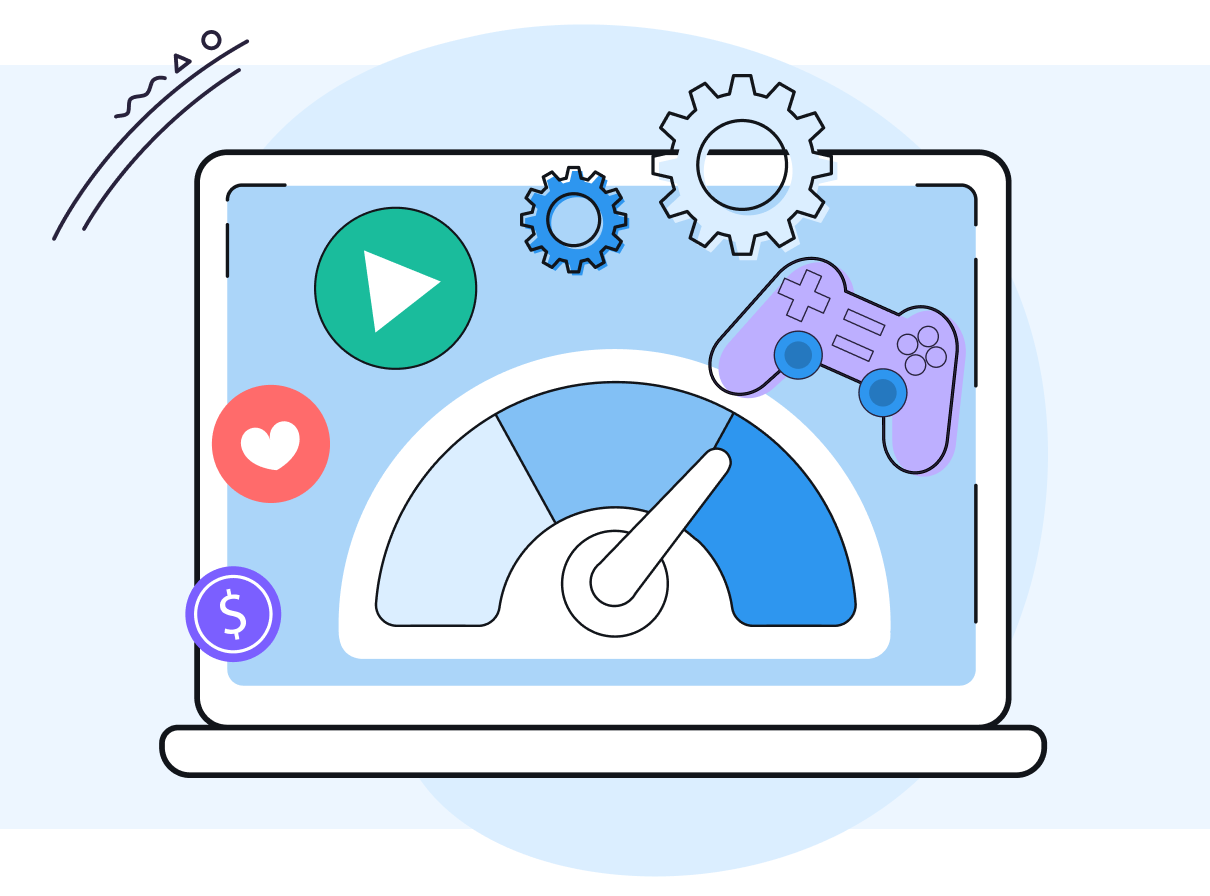
The server location affects speed, latency, and access to content. Nearby servers are faster for streaming and gaming, while remote servers let you access content or websites blocked in your region.
You can use the “Auto-Connect” feature which automatically picks the best server for you.
A VPN server address is the IP or domain name used to connect to a VPN server. It ensures your device connects to the correct server for secure browsing and access to region-specific content.
Yes! Switching between servers is easy and helps you find the best balance of speed, security, and access depending on your needs.
Reliable VPN servers use strong encryption and modern VPN protocols (like OpenVPN, WireGuard, or IKEv2) to protect your data.
We’re confident you’ll love the speed, security, and freedom VPN Super gives you. But if you’re not completely satisfied, no worries — just reach out within 30 days and we’ll give you a full refund. No hassle. No questions asked. Total peace of mind.
Try Risk-Free